Clear product-specific language helps customers understand the Aperture recovery route before they buy.
Photo library recovery · Local-first Aperture inspection
Recover useful data from legacy Aperture libraries locally.
For photographers, families, studios, and creative archives with old Aperture libraries that still matter. Inspect the library on your own Mac, see what can be read, and export useful structure, previews, metadata, and reports where supported — without uploading the archive.
Prelaunch product page. Checkout, payment collection, account creation, download delivery, analytics, customer-data forms, installer uploads, store submission, provider connection, and customer uploads remain disabled until approved.
Fit, compatibility, workflow, and support expectations appear before any checkout route.
Live commerce, download, analytics, upload, and customer-data gates remain locked until approved.
Availability route · not live yet
Prepared for own-site sales first, with store channels added where useful.
Aperture Library Rescue is being prepared for own-site software licence sales with customer re-download support once approved. The public page should make one thing clear first: whether this tool fits the customer’s library, privacy needs, and export goal.
Purchase wording must stay honest: this is software for local inspection and export where supported, not a promise of recovery success. Final wording still needs review before publication.
Product information
Legal/pricing approval
Checkout later, after approval
Customer portal/re-download support
Improvement wave · Photo archive confidence check
Pre-purchase clarity before any future checkout.
Do I have an Aperture library package or export folder?
Start by confirming the source is a local Aperture library-style package/folder and that a copy can be inspected safely.
Which result matters most?
Metadata, albums, projects, previews, structure, or a practical manifest should be chosen before the customer expects a full photo-recovery outcome.
What could limit success?
Damaged media, incomplete packages, encryption, unusual library variants, or missing masters must be visible as support and purchase caveats.
Customer problem
Old data should be handled carefully, not oversold.
Apple Aperture was discontinued years ago, but many people still have libraries containing project structure, album information, metadata, previews, and exportable records.
The safe product position is practical: local-first inspection, clear supported outputs, honest unsupported-case reporting, and a customer account route for future re-downloads and support.
Who it is for
Good-fit customers.
Use this product when the customer wants careful local inspection before relying on a recovery result.
- You have an old Aperture library and want a local inspection first.
- You value privacy and do not want to upload a private photo archive.
- You want exportable records, metadata, previews, and structure where supported.
- You accept that old, damaged, encrypted, incomplete, or unusual files may not produce a full export.
Workflow
Simple, local, understandable.
One clear job: inspect locally, explain what is found, and export useful records where supported.
- Choose an Aperture library on the local machine.
- Run a local inspection that reports supported structures and counts.
- Review albums, projects, photos, previews, keywords, and metadata summaries where available.
- Export useful information into practical modern files for safekeeping.
- Receive clear unsupported-case messages if a library is damaged or outside supported variants.
Compatibility questions
Checks before a customer buys.
These prompts help the customer decide whether the product is likely to fit. They are not live form fields and do not collect customer data.
- Is the library an Aperture package or exported Aperture folder that can be opened locally?
- Which macOS version and storage location will the customer use for inspection?
- Does the customer need metadata, previews, album/project structure, or a practical export manifest first?
- Is the library damaged, encrypted, incomplete, or stored on failing media that should be copied safely before use?
What the customer gets
A clearer promise for Aperture Library Rescue.
Included path
Local inspection and supported export workflow.
Customer clarity
Clear counts and unsupported-case notes before relying on output.
Future account route
Customer portal route for future licence, re-download, checksum, and support records.
Fixture screenshot artwork
Aperture synthetic fixture screenshots for launch review.
These are local-only, synthetic, product-page visuals. They show the intended purchase-page evidence set without exposing private customer files, implying live commerce, or inventing real recovery outcomes.
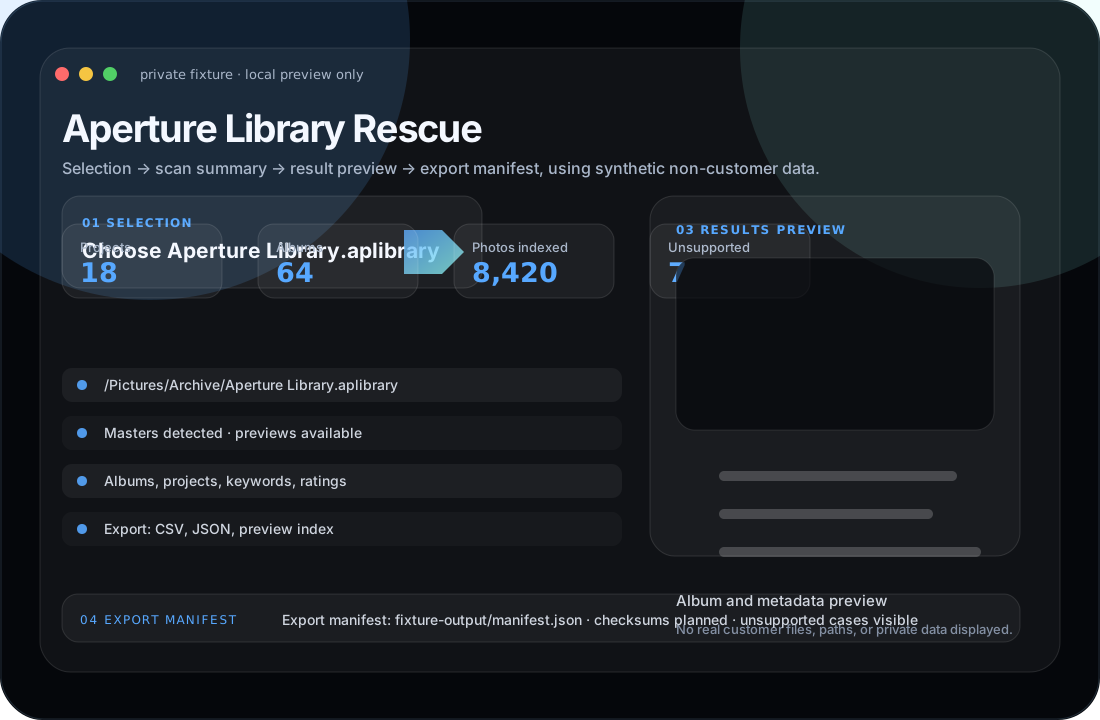
Safe local input
Selection uses a redacted Aperture package path.
Fixture-backed counts
Scan summary shows albums, projects, photos, metadata, and unsupported-item counts.
Customer clarity
Results preview and export manifest are clearly fixture-only.
Future lead capture and funnel tracking · not live
A focused Aperture Library Rescue route without sending customers to the wider catalogue.
This page is now structured as a dedicated product microsite: the customer can check fit, understand outputs, review availability, and join a future product-specific update route without seeing every other High Caliber application.
Product detail
This page acts as the main product-detail and purchase-intent route for Aperture Library Rescue.
Compatibility and support
The compatibility, workflow, and legal-review sections can be split into a second page later if a shorter public microsite is preferred.
Availability and updates
The future pricing, download, release notes, and product-update route can be a third page once commerce is approved.
Track route sources later
Future tracking should preserve UTM source, campaign, product slug, referrer, and landing section after approval. No analytics or tracking script is enabled in this local version.
Minimum fields only
Future update signup should ask only for email, product interest, optional platform/source type, permission to reply, and separate marketing consent. No customer data is collected here.
No cross-sell leakage
Product-page navigation stays inside Aperture's own decision journey. Customers landing here are not pushed into browsing the full catalogue.
Disabled until approved:
Email signup, compatibility submission, marketing consent storage, analytics, cookies, customer accounts, checkout, downloads, and external form handlers.
Launch-page checklist
What must be true before this becomes public.
Commercial readiness
Final pricing, licence wording, platform support, delivery/re-download policy, refund/cancellation wording, and support boundaries must be approved.
Provider readiness
Lemon Squeezy product, checkout, licence key, hosted download, webhook, entitlement, and customer portal handoff remain placeholders until explicit approval.
Data protection
No customer-data form, private-file upload, analytics, tracking pixel, live support endpoint, or customer account creation is connected from this page.
Legal review and claim boundaries
Strong wording, but deliberately not a guarantee.
Say clearly
Local-first inspection, supported export paths, customer-controlled files, future Lemon Squeezy purchase/re-download route, and clear support boundaries.
Do not claim
This is not a damaged-disk repair service, full-photo recovery guarantee, password bypass tool, or official Apple product. Do not promise profit, recovery success, official affiliation, legal/forensic suitability, password bypassing, or success on damaged media.
Needs review
Final company details, terms, privacy policy, refund/cancellation wording, delivery/re-download wording, pricing, compatibility table, and any Apple/store-specific terms must be checked before public use.
Release gates
Prelaunch static product page. No live purchase path yet; not published from this local source yet.
No public download or installer upload
No Lemon Squeezy checkout or API connection
No payment-card collection by this page
No analytics or tracking
No live lead capture, customer-data form, or private upload
No Apple upload/submission/commercial setup